
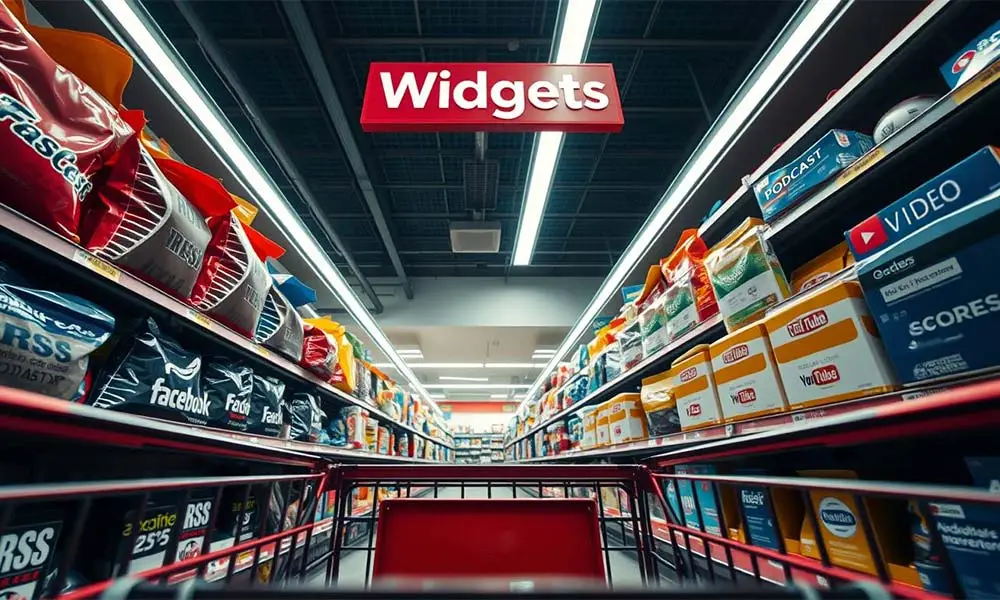
When you don’t have a large staff or want to devote a lot of resources to content, external content and widgets can be a tempting choice for your station website. After all, they come with interactivity and features you don’t have to build from scratch. From social feeds and video embeds to podcast players, livestreams, reviews, calendars, and sports scores—third-party elements can transform how your site feels. But like any add-on, they come with strings attached.
What counts as “external content”?
In short, anything on your pages that’s hosted or powered by someone else:
- Embedded media: YouTube/Vimeo videos, Spotify/Apple Podcasts/Libsyn players, SoundCloud, or a third-party streaming player for your live broadcast.
- Widgets: Social timelines, weather modules, sports score tickers (e.g., ScoreStream), review badges, or event calendars.
- Scripts & APIs: Analytics, ad networks, share buttons, or APIs that pull data (scores, charts, weather) into your pages.
- Ads: Anything served by an external ad network or server.
Convenience is the draw—you paste one snippet, get a whole feature. The trade-off: you’re now dependent on someone else’s code, servers, and policies.
7 ways external widgets can bite you
1) They slow down your site (sometimes a lot)
Every third-party embed adds extra requests, bytes, and work for the browser. That can drag down Core Web Vitals and overall UX—especially on mobile and mid-tier devices. Industry analyses consistently flag third-party scripts as major contributors to poor performance and instability. Lazy-loading helps, but if an external service is slow, your page can still feel sluggish because it often has to wait for the external content to load before presenting the page.
2) They can steal attention (and clicks) from your content & advertisers
Embedded RSS feeds, social widgets and some media embeds are built to pull people into their platforms. That’s great for them, not so great for your session length, conversions, or ad viewability. Smart UX folks have warned for years that prominently placed social icons and feeds can bleed traffic off your site—fast. Imagine a listener visiting your website and immediately leaving for an RSS news feed. That’s called a “bounce” and the more of them you have, the worse your SEO becomes.
3) You’re dependent on someone else’s uptime & decisions
If a provider goes down, that section of your page breaks, hangs, or throws errors. If they change or deprecate an API, your embed may need rework—on their timeline, not yours. Browsers and performance experts routinely call out the fragility and unpredictability of third-party resources.
4) Real security risk: supply-chain attacks
When you let third-party code run on your pages, you expand your attack surface. A well-known example: the British Airways incident, where malicious JavaScript skimmed customer data through a third-party path—ultimately leading to regulatory penalties.
5) Branding that doesn’t quite match
Many embeds don’t fully adopt your fonts, colors, or UI patterns. Even when customization exists, you’ll often see “Powered by …” logos, mismatched controls, or layout quirks that dilute your brand. It’s cosmetic, but it matters for trust and professionalism.
6) Privacy & compliance headaches
Third-party widgets often drop cookies or collect data. If they do that without proper consent or transparency, you can be on the hook under GDPR/CPRA and, possibly, some state laws.
7) Ongoing maintenance overhead
More widgets = more moving parts. You’ll monitor versions, breaking changes, performance regressions, and security advisories—all while troubleshooting “is it us or them?” when something slows down. Industry guidance recommends auditing third-party usage regularly and budgeting time for updates.
Okay, so what should a station actually embed?
- Podcast episodes & shows: Use a fast, accessible player (from your host or a lightweight on-site player) and prefer on-site show pages over sending listeners to external platforms. Keep the player above the fold on episode pages.
- Livestream player: Host the player shell on your domain; keep third-party JS minimal; lazy-load analytics; avoid auto-playing multiple embeds on a single page.
- Social proof without the trap: Consider curated post highlights or static embeds that don’t pull an infinite external feed. Link out after users complete on-site goals.
- Scores, weather, events: If the widget is essential, pick reputable providers, limit where it appears, and test its performance impact. Where possible, cache data and render it server-side to avoid heavy client-side bundles.
Bottom line
External widgets can absolutely level-up your station website—but the costs are real. Prioritize keeping visitors on your website, speed, security, privacy, and brand consistency. Be picky. If a widget doesn’t add clear value or it funnels visitors away from your content and advertisers, skip it. Sometimes less is better—and more profitable.
We want to help your radio station grow and succeed online. That journey starts with an amazing website that keeps visitors coming back often. Reach out to us to start your path to online success, or schedule an appointment to see our tools in action.