
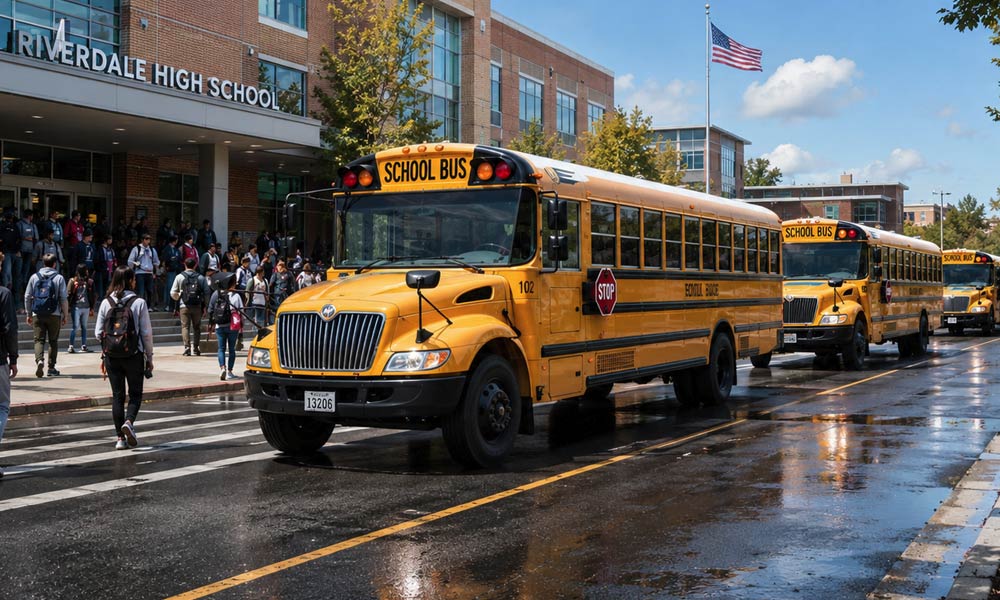
Parents start asking school questions before August, and your station can make life easier with one clear back-to-school page. Your website can give them district calendars, registration links, lists of classroom supplies, bus route information, sports schedule links, lunch menus, and school closing details before the rush hits.
Your station gives your local audience a reason to use your website before they need a contest form or a streaming link. You also give your air staff, sales team, and news staff one place to send parents.
Start Before the August Rush
The first part of summer can feel too soon for school content. Parents who work in shifts, share custody, coach youth sports, or plan child care start checking dates long before the first bell.
District staff often post calendars, enrollment notes, and classroom lists during the summer. If your station waits until the week classes begin, your team has to chase links while parents search on their phones in grocery lines and break rooms. I know it may be easier to link to their website for this information, but take the time to duplicate it on your site to keep them engaged longer.
A good school information page takes pressure off your staff. Morning show hosts can mention one URL. News staff can add updates. Sales can attach a sponsor without building a one-off promotion from scratch.
Parent Questions Worth Answering
Parents ask practical questions. They need dates, times, forms, and names. A station that answers those questions earns more trust than a station that posts a graphic and moves on.
- Start date for each school district in your coverage area
- District calendar links
- Registration and enrollment links
- Lists of classroom supplies by school or grade
- Open house and orientation dates
- Bus route and transportation links
- Lunch menu and meal account links
- Sports schedule links
- School closing policy and alert signup links
- District office phone numbers
- Key contacts for parents with questions
Your station may serve one district, or it may cover eight. Start with the schools that drive the most listener questions, then add the rest as your team confirms the links.
Refer back to a few podcasts ago, when I explained how posting answers on your website would help it be found and referenced by AI. This is exactly the kind of content I’m referring to.
Items to Put on Your School Information Page
Create one main guide, then give each district a short section. Use the district name in the heading, since parents search by school district more than station brand.
Each section can follow the same pattern:
- School district: Name of district and towns in the district
- First day of class: Date, if the district has published it
- Calendar: Link to the district calendar
- Registration: Link to enrollment forms or parent portal
- Classroom supplies: Link to lists by school or grade
- Transportation: Link to bus routes or transportation office
- Meals: Link to lunch menus and meal account information
- Athletics: Link to sports schedules and ticket information
- Closings: Link to weather alert signup or closing policy
Keep the station copy short. Parents came for an answer. Give them the link, add a plain-language note if the district page causes confusion, and move on.
Put the source link beside each item. A parent should see where the information came from, and your staff should have a path to check it later.
Morning Shows Can Keep the Page Visible
Your morning show can make the school guide feel alive. A host can mention a district each day, ask listeners to send missing links, and remind parents to bookmark the page.
Use short on-air lines:
- “We added the bus route link for one area district this morning.”
- “The back-to-school guide now has classroom lists for the elementary schools in our area.”
- “Coaches and athletic directors can send schedule links to our newsroom.”
Your hosts know which school questions callers ask year after year. Use that knowledge. If callers ask about kindergarten signup, senior parking, or football ticket links, add those items to the page.
Use the website to support the show, and ask hosts to train listeners to use the website. Your team can serve parents without repeating the same details in five breaks.
Advertisers Can Sponsor the Guide Without Taking It Over
Your sales team can sell sponsorship around the guide while your content team keeps parents first. Good sponsor fits include pediatric clinics, dental offices, credit unions, tutoring centers, grocery stores, and youth sports programs.
Set clear boundaries with advertisers. The sponsor can receive logo placement, a short message, and display ads. The sponsor should not control district information, school links, or update choices.
Parents will use the guide if your team saves them time. They will leave if your team places ads between them and the answer.
Keep the Page Current After Launch
A school page can lose trust fast if your staff launches it and walks away. Assign one person to check district links on a set schedule during the back-to-school rush.
A small update routine works:
- Check district homepages once or twice a week until school starts.
- Review broken links after districts redesign pages.
- Add a date stamp near the top of the guide.
- Give parents a simple form or email address to report a bad link.
- Remove outdated items after the first few weeks of school.
Readers can use the date stamp to judge the page. Use plain wording such as, “Staff updated this guide with new classroom list links.” If you do not know a detail, say that and link to the district office.
Useful School Pages Train Listeners to Return
A useful back-to-school guide can change how listeners use your station website. They visit for school calendars in summer. They return for snow closing information, sports schedule changes, lunch program updates, and graduation details.
The habit has value beyond traffic. Your newsroom gets tips. Your morning show gets calls. Your sales team gets a proof point for advertisers who want to reach parents.
Local radio has an advantage here. Your station knows the school names, rivalries, commute patterns, and weather problems that shape parent routines. Use that knowledge on your website before parents search somewhere else.
Pick one district today and build the first version of the guide. Add links as your staff confirms them. By the time the school rush arrives, your station will have a page worth promoting on the air, in the app, in newsletters, and across social channels.
We want to help your radio station grow and succeed online. That journey starts with an amazing website that keeps visitors coming back often. Reach out to us to start your path to online success, or schedule an appointment to see our tools in action.