Article
When was the last time you went through the entire process of streaming your station as a listener? Start at your website, find the player, press play, and hear what happens. Then try your app. Connect your phone to the car. Pay attention to how long it takes, what gets in the way, and whether everything works the way you expected.
I’m talking about more than checking whether the stream is up. Your audio can be working perfectly while the experience of getting to it is frustrating. A hard-to-find listen button, confusing player controls, or an ad covering the screen can create problems before anyone hears your station. This is worth checking regularly, especially after changes to your website, app, streaming provider, or advertising setup.
Start with your website on your phone. Open it the way a listener would, without using a bookmarked player link or a shortcut you already know. Can you immediately find where to listen? Does the button look like something you can tap? Is it visible when the page opens, or do you have to scroll past stories, banners, and promotions to find it?
Once you tap it, notice what happens next. Does the station begin playing, or does another page open with another play button? Does a new window appear? Is it clear that the player is loading, or does nothing seem to happen? If you find yourself tapping repeatedly because you aren’t sure the first tap worked, that is something to investigate.
A separate player window can be useful, but the transition should make sense. The listener should know where the audio is coming from and how to stop or restart it. Try browsing a few stories while listening, too. Does the audio continue, stop unexpectedly, or restart when you return to the homepage? Do you accidentally end up with two versions of the stream playing at once?
Repeat the process on a computer. A player that looks obvious on a large monitor may be buried on a phone, while something that works well on mobile may behave differently in a desktop browser. If possible, have someone outside your web or engineering team try it. “Go to our website and listen live” should be enough direction. Watch where they hesitate before explaining anything.
Listen to everything that plays before your station does. Start a timer when you press play and stop it when you hear your actual programming. During that time, what does the listener hear or see? There may be a loading delay, a video advertisement, an audio pre-roll, or several things happening in sequence. Your staff may understand each piece, but the listener experiences the total wait.
Advertising deserves particular attention because it can interfere with listening in several ways. A display ad might cover the play button. A pop-up might require an awkward tap to close. A video ad elsewhere on the page might play audio over the station. A pre-roll might be much louder than the programming that follows it. These are issues you can miss if you only open the player long enough to confirm that it works.
Also, try stopping and restarting the stream. If the connection drops or you switch listening methods, do you hear the same commercial again? What happens after a failed attempt to play? An advertisement that seems reasonable once can become irritating when a listener hears it repeatedly while trying to reconnect. Document the sequence so your streaming or advertising provider can help determine what is happening.
Give your app the same attention. Open it from a fully closed state and work through the steps to listen. Is live audio easy to find? Are the controls clear? Can you tell whether the station is playing, paused, or trying to connect? Check whether the station name, artwork, and song or program information are correct, too.
Then use your phone normally while listening. Lock the screen, open another app, and adjust the volume. Check the controls available from the lock screen. Listen long enough to notice interruptions rather than assuming the first few seconds tell you everything. If your station has both iPhone and Android apps, have someone test each one.
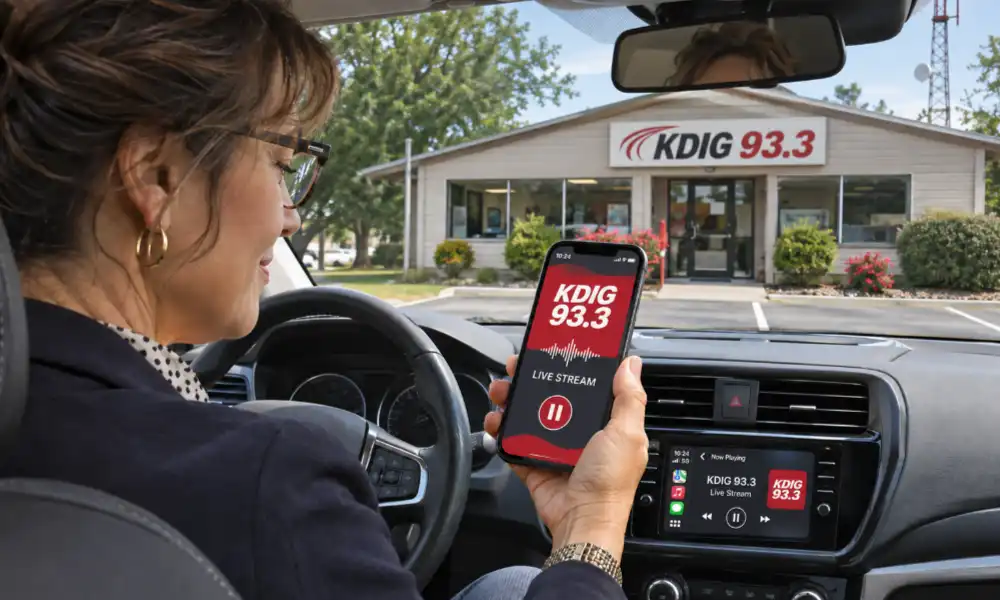
Take the test into the car. With the vehicle parked, connect the way your listeners do, whether that is Bluetooth, CarPlay, or Android Auto, where supported. Can you find the station and start listening without sorting through confusing menus? Do the available controls work? Does the display clearly identify your station?
Pay attention to what happens when you leave and return to the vehicle. Does listening resume as expected, or do you have to pull out the phone and start over? If you test during a trip, let a passenger handle the controls and take notes. Notice how the stream behaves when the connection weakens and whether it recovers afterward.
It is also useful to begin listening on your home or office Wi-Fi and then move to cellular service. Your listeners make that transition when they leave the house, walk to the car, or head out for a walk. Record whether playback continues, pauses briefly, or stops until someone intervenes.
You don’t need an elaborate report. Keep a short list that gives the person fixing a problem something specific to work with:
- Where you listened: Website, app, Bluetooth, CarPlay, or Android Auto.
- What you used: Phone or computer model, browser or app version, and connection type.
- What you did: The steps leading up to the issue.
- What happened: The delay, interruption, confusing control, or advertising problem.
- What you expected: How you thought the experience should work.
Assign someone to follow up on each issue, then repeat the same steps after a change is made. Some fixes may belong to your website provider, others to your app developer or streaming company. A screen recording or precise description will help them investigate far more effectively than “the stream is acting weird.”
Put this check on the calendar and rotate who does it. People who work with the same player every day learn its quirks and stop noticing them. A listener trying it for the first time has no reason to know that the button needs a second tap or that the audio takes a while to begin. Make it easy to find your station, easy to start listening, and easy to keep listening. Your team works too hard on what comes out of the speakers to let the play button become the problem.
We want to help your radio station grow and succeed online. That journey starts with an amazing website that keeps visitors coming back often. Reach out to us to start your path to online success, or schedule an appointment to see our tools in action.